Here are some of my favorite UX Design & UX Research strategies featuring examples I’ve created in the past.
Feel free to reach out with any questions about what you see here or to inquire about other work samples!

“Web accessibility means that people with disabilities can equally perceive, understand, navigate, and interact with websites and tools. It also means that they can contribute equally without barriers.” – Web Accessibility Initiative (WAI)

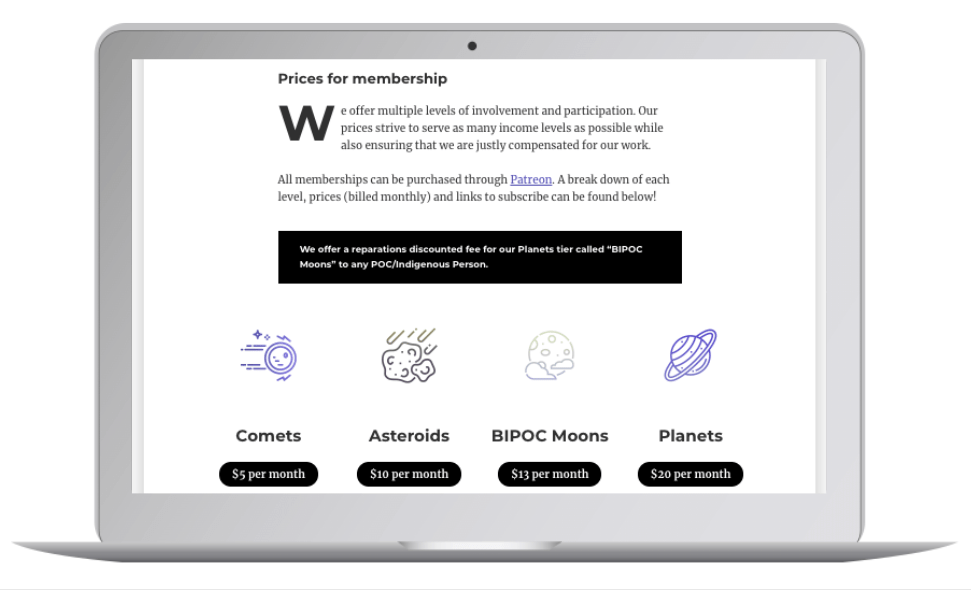


“Affinity diagramming has long been used in business to organize large sets of ideas into clusters. In UX, the method is used to organize research findings or to sort design ideas in ideation workshops.” – Kara Pernice (NN)


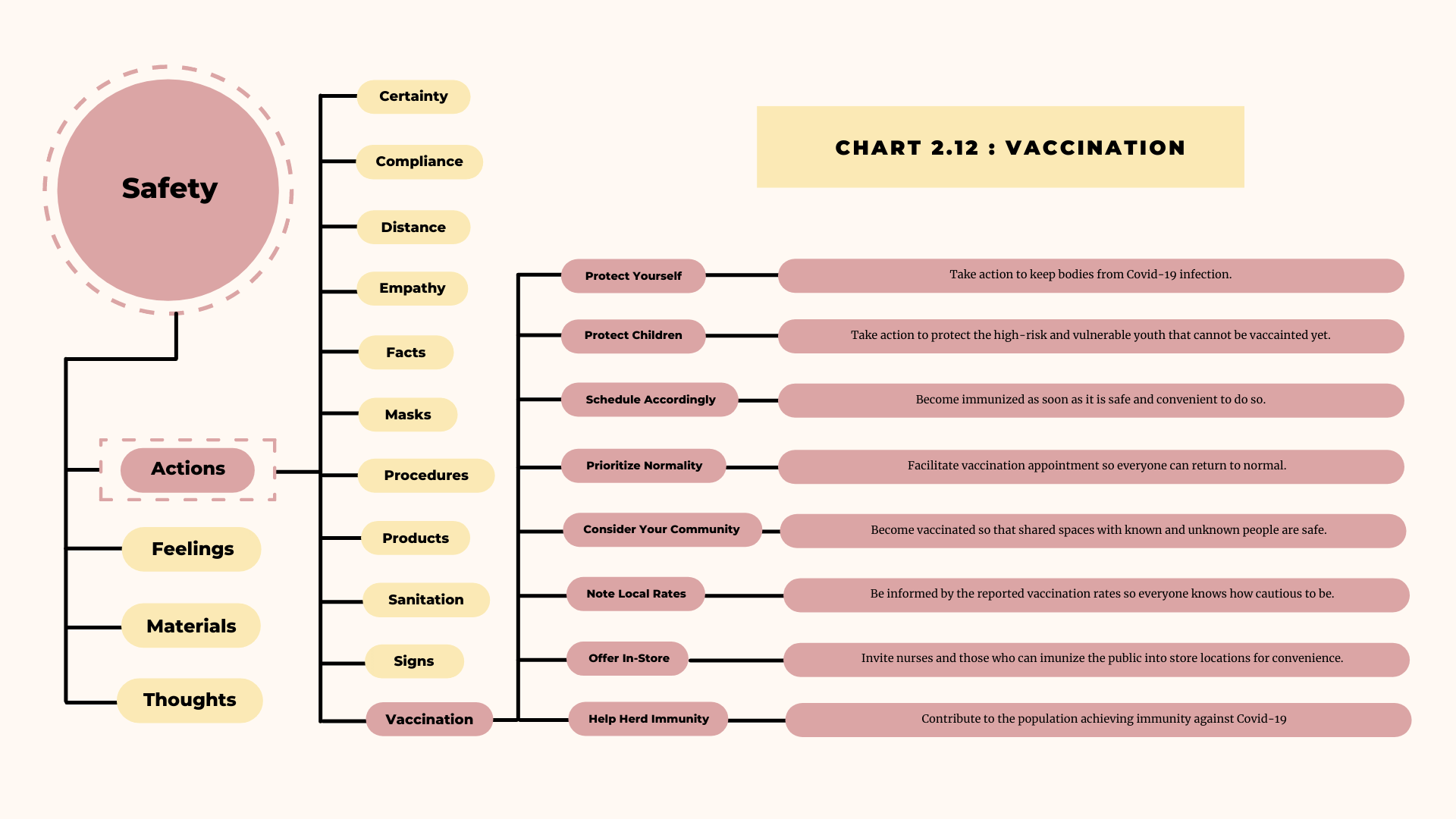

“Brainstorming is a method design teams use to generate ideas to solve clearly defined design problems. They produce a vast array of ideas [and questions] and draw links between them to find potential solutions.” – Interactive Design Foundation


“Data on what works well or poorly on other sites saves you from implementing useless features and guides UX investments to features that your users need.” – Amy Schade (NN)

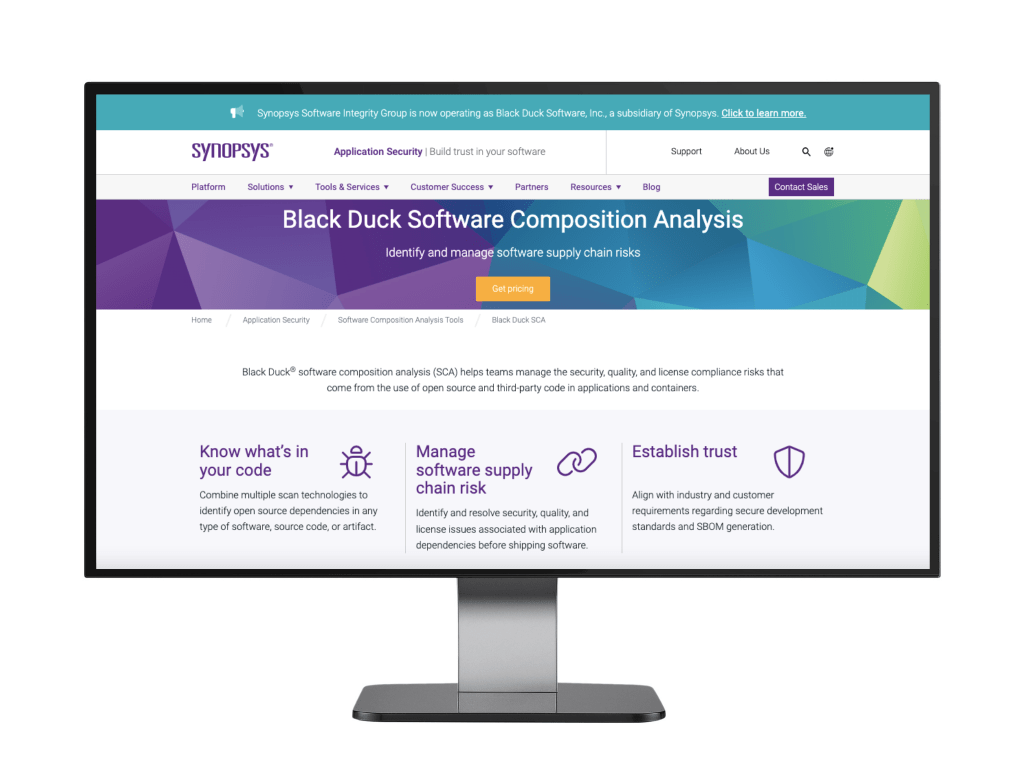



“The proper role of focus groups is not to assess interaction styles or design usability, but to discover what users want from the system.” – Jakob Nielsen (NN)


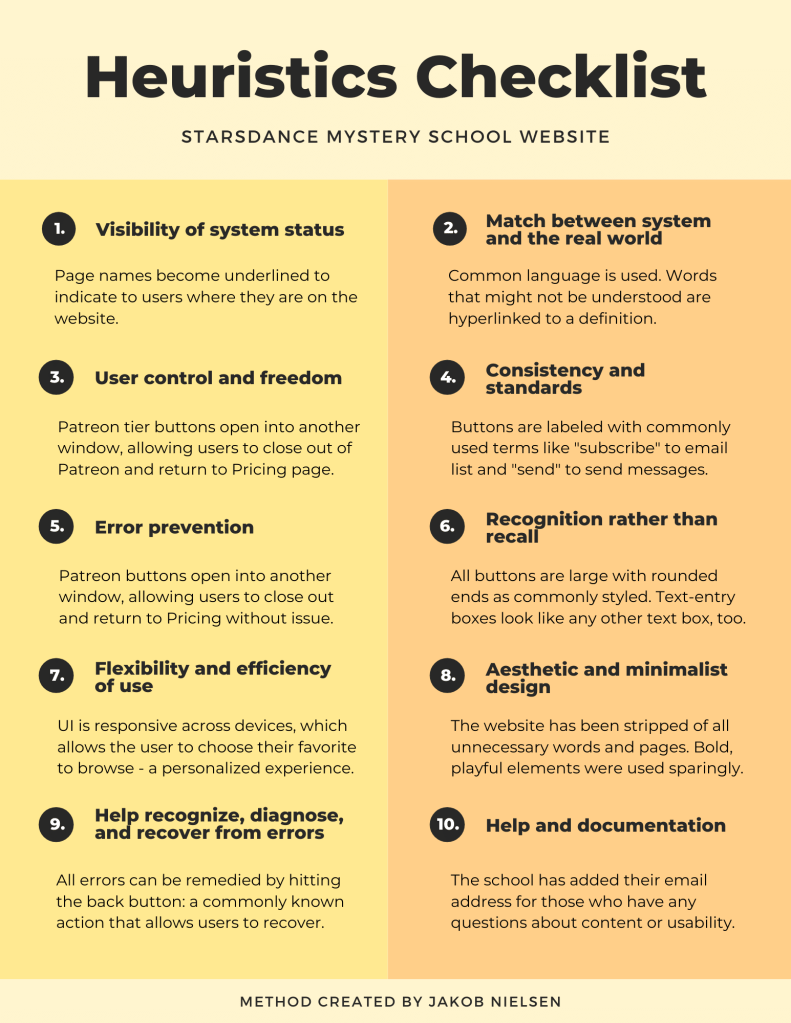
“Heuristic evaluation involves having a small set of evaluators examine the interface and judge its compliance with recognized usability principles (the ‘heuristics’).” – Jakob Nielsen (NN)

“Keep focus on people and the entire system to solve the right problems. Human-Centered Design (HCD) is not about following processes: it’s about principles.” – Don Norman (NN)
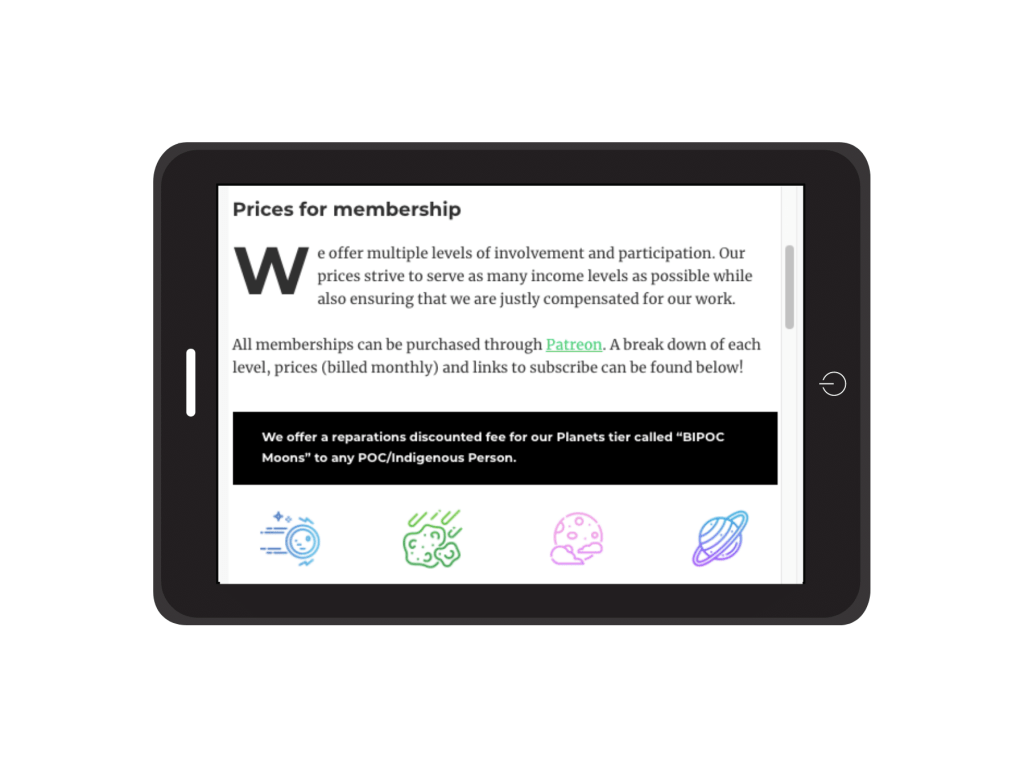
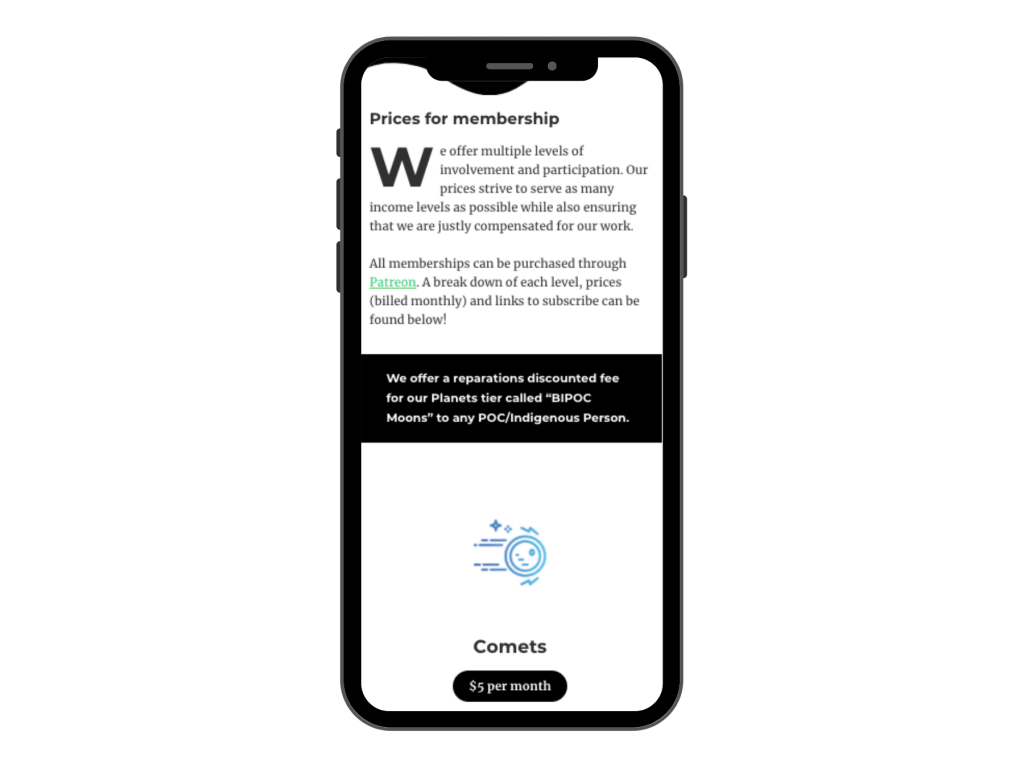


“Information graphics translate data into a visual medium that is easy to understand and engaging.” – Lexie Kane (NN)

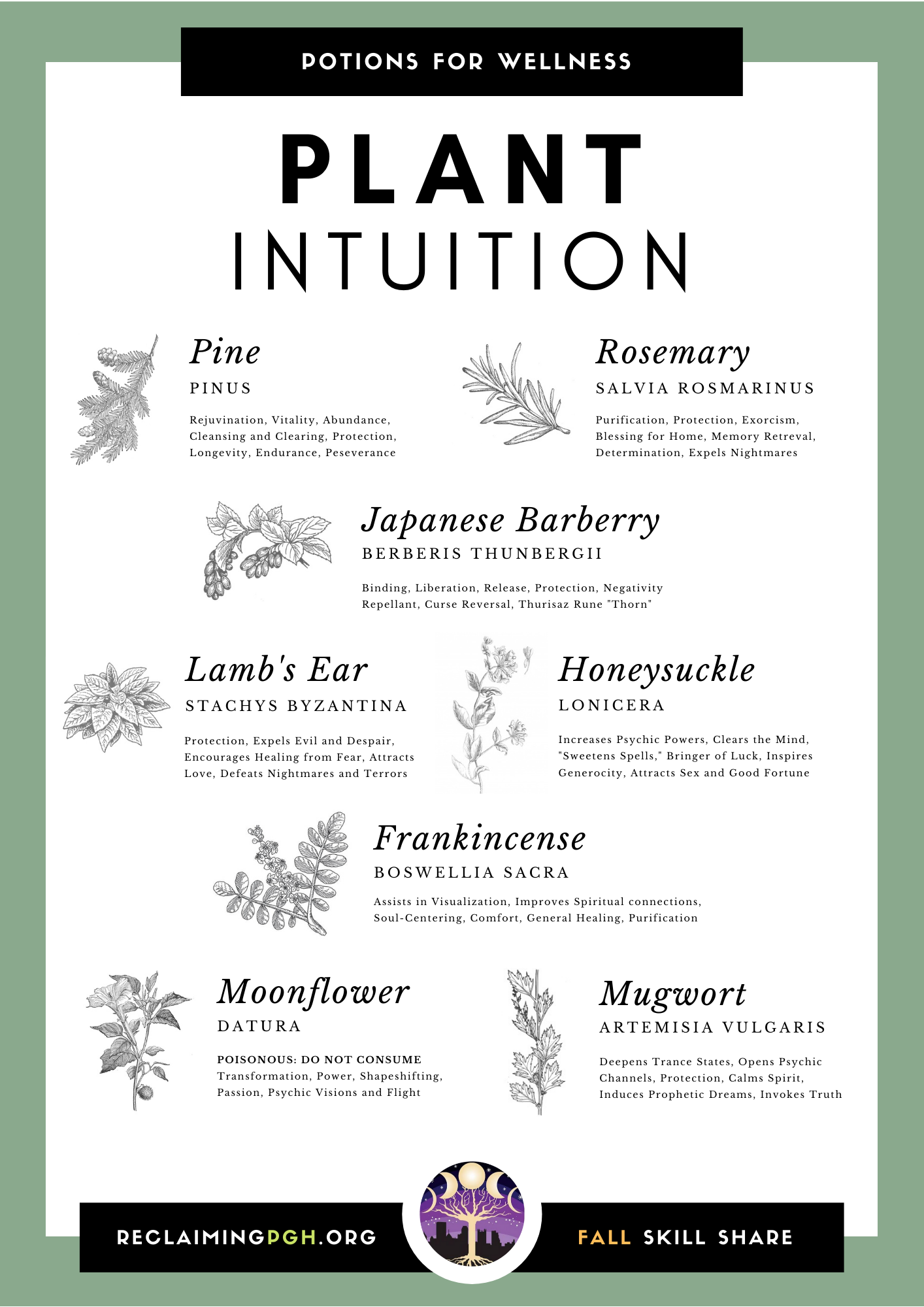
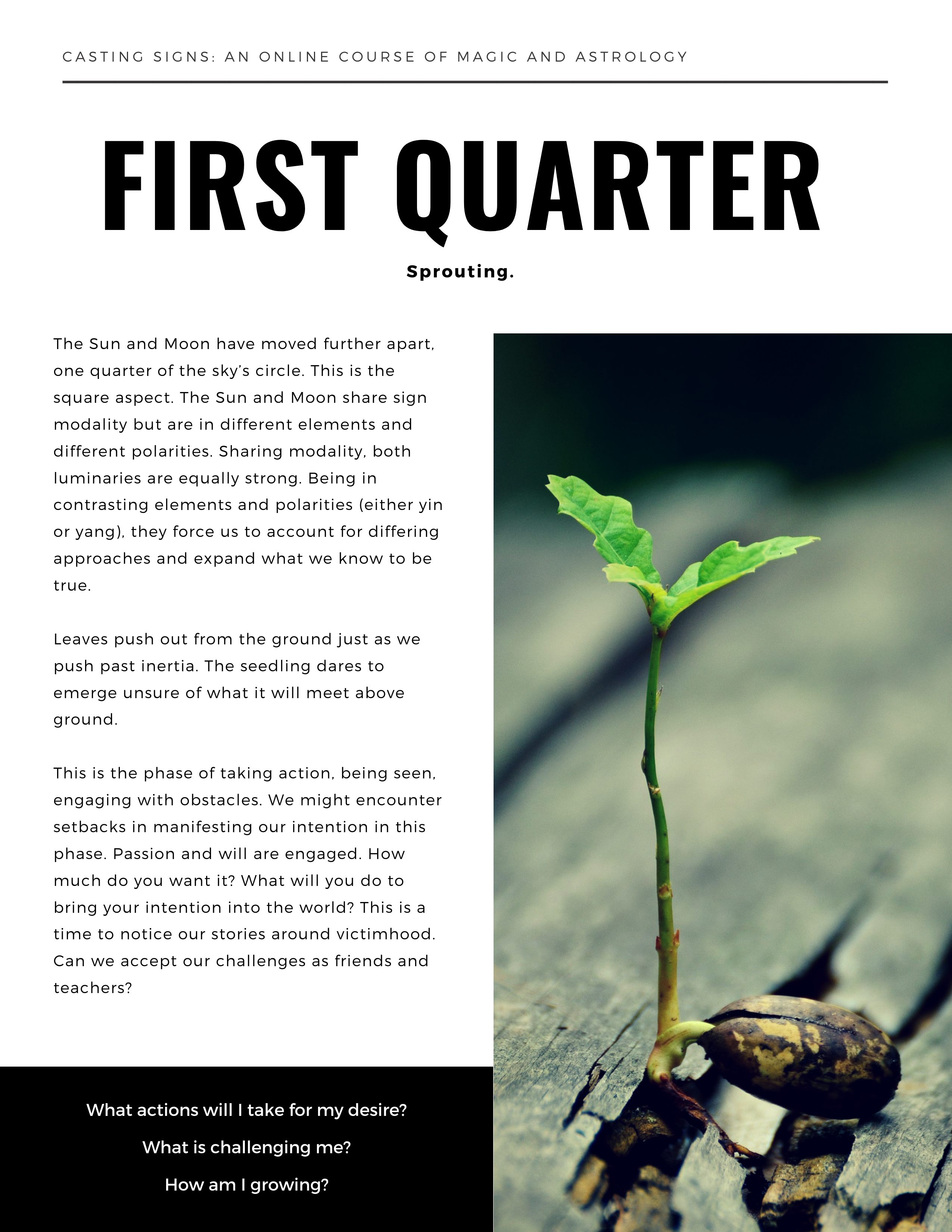


“User interviews have become a popular technique for getting user feedback.. Use them to learn about users’ perceptions.” – Kara Pernice (NN)





“Boards that transfer the right mood and bring the emotions expected from a product or service.” – Tubik (UX Planet)


“A fictional, yet realistic, description of a typical or target user of the product. A persona is an archetype instead of an actual living human.” – Aurora Harley (NN)


“User logs (diaries) of daily activities as they occur give contextual insights about real-time user behaviors and needs, helping define UX feature requirements.” – Kim Salazar (NN)


“The process of uncovering problems and opportunities in designs by asking participants to complete tasks then watching and listening for feedback.” – Kate Moran (NN)


“The process of counting results (quantitative) or comments, feedback, suggestions, and other kinds of responses that aren’t as easily classified and tallied as numbers can be (qualitative).” – Susan Farrell (NN)


“[D]igital social network that [enables users to] create and use social media accounts to communicate with loved ones and share news, ideas, and personal accomplishments” – Interaction Design Foundation




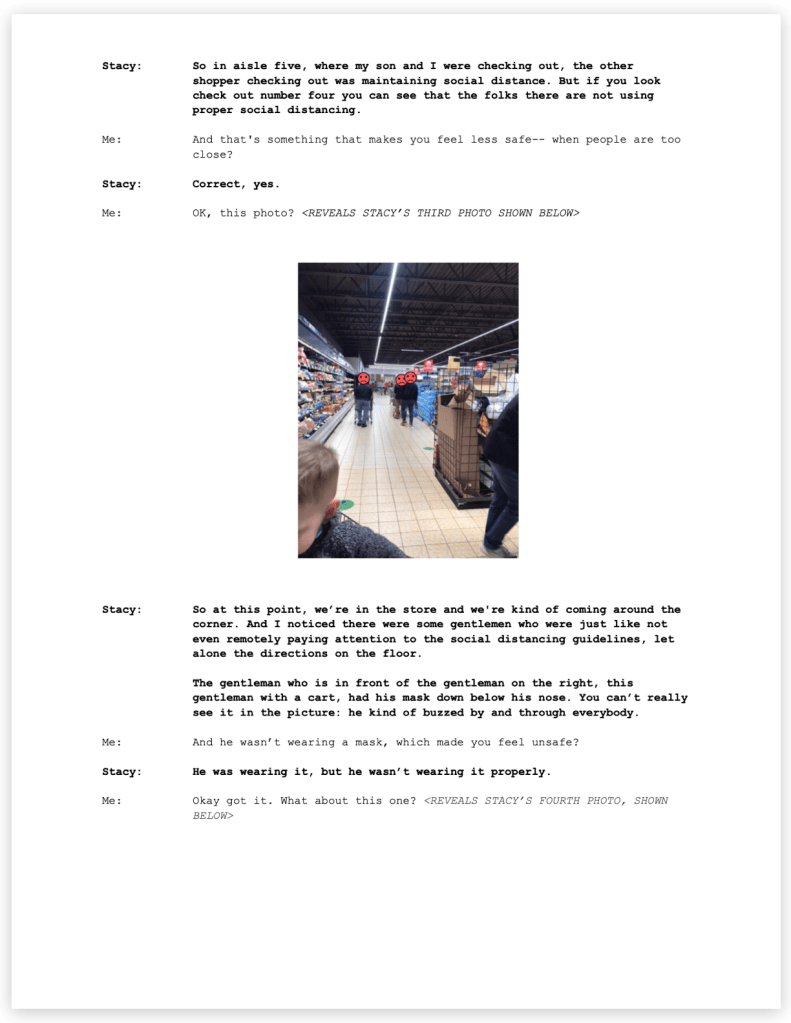
“Identifying the main themes in data from user studies — such as: interviews, focus groups, diary studies, and field studies.“ – Maria Rosala (NN)



“Refers to the visual layout of the elements that a user might interact with in a website, or technological product. User interface designs must not only be attractive to potential users, but must also be functional and created with users in mind.” – Pidoco

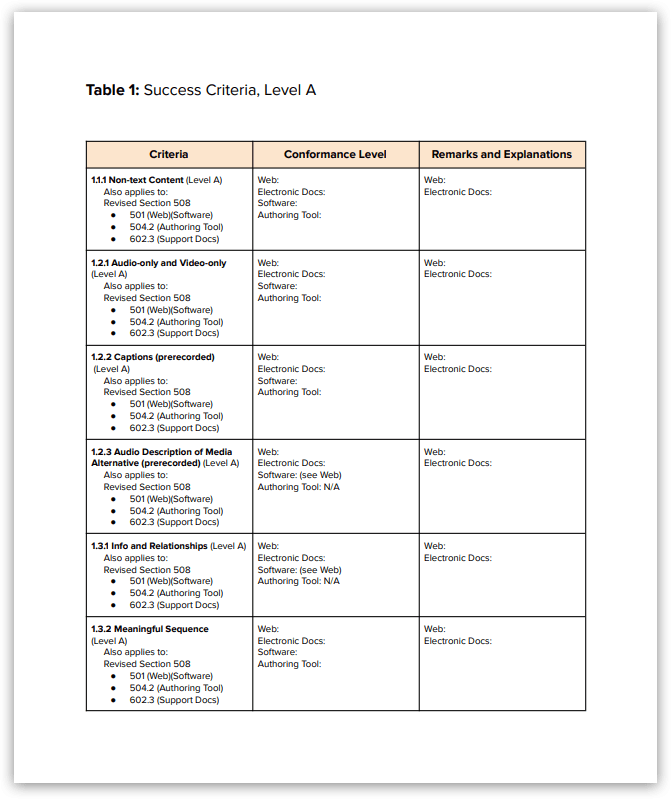
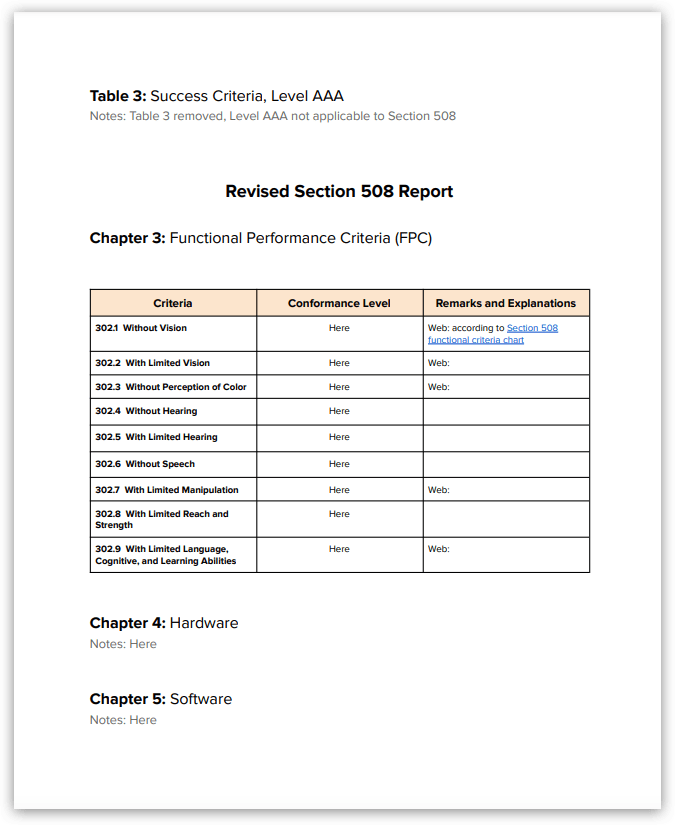
“A Voluntary Product Accessibility Template (VPAT®) is a document that explains how information and communication technology (ICT) products such as software, hardware, electronic content, and support documentation meet (conform to) the Revised 508 Standards for IT accessibility.” – Section 508.gov


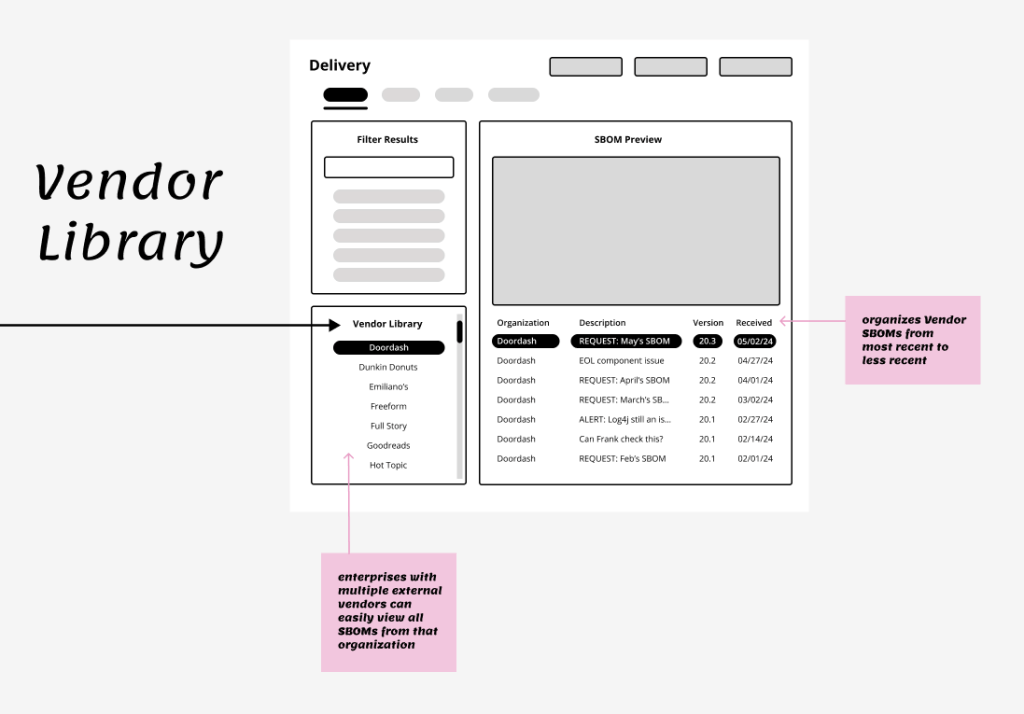
“Wireframes visualize a user path or flow, as well as page layouts, information hierarchy, and even interactions. Depending on their purpose, they can vary in fidelity — from quick sketches to detailed representations of the final design.” – Neilsen Norman Group

 Jenni Kobylski